Track gap display
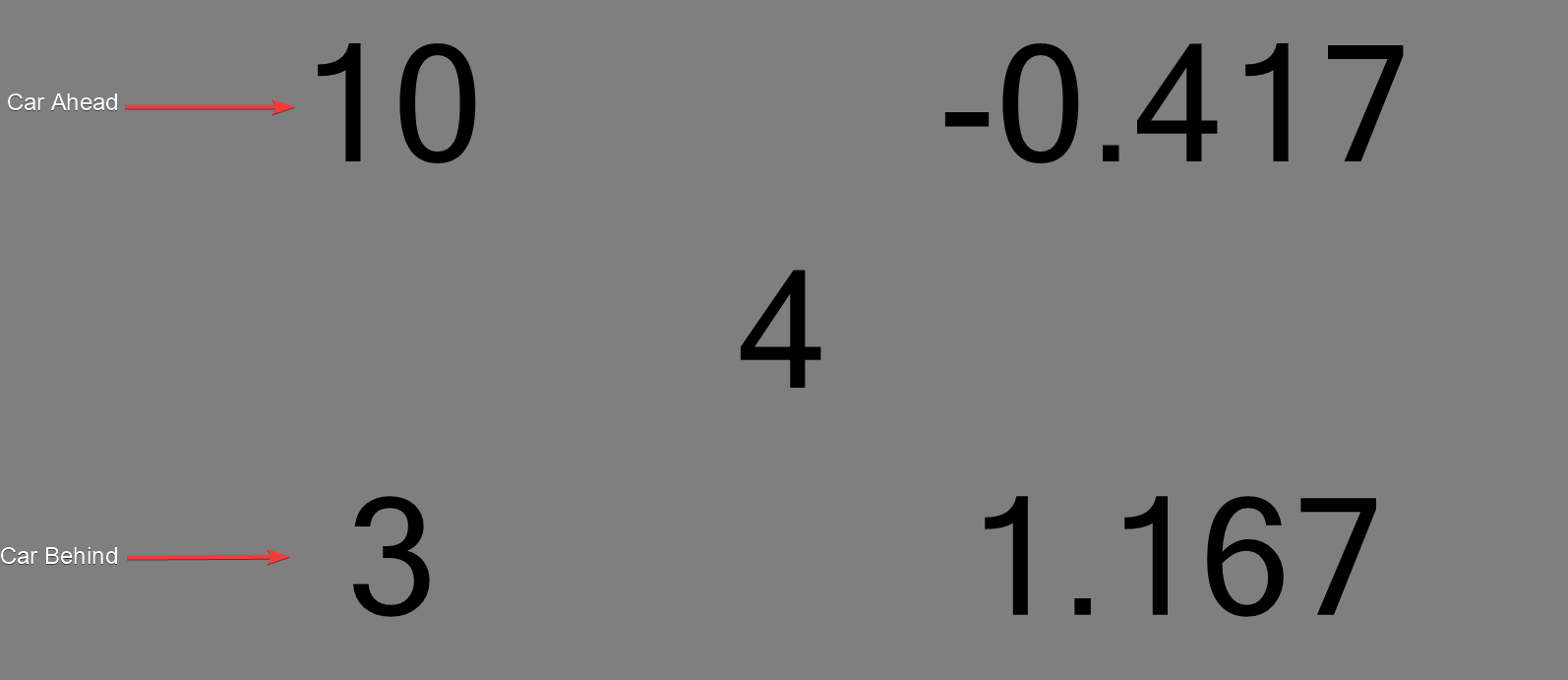
The Track Gap display shows the reference car in the center, with the nearest car ahead and behind and the time gap to each.
Options
The options are available in the ribbon bar:
- Car Number: sets the reference car.
- Gap Type (Overall): compares to the car immediately ahead/behind in overall ranking.
- Gap Type (Category): compares to the car immediately ahead/behind within the same classification.
- Gap Type (Track): compares to the nearest cars ahead/behind on track.
- Hide Lap Down: only applies to Track gap type. When enabled, the lap-down prefix (for example
1L) is hidden from the delta labels, while the time gap remains shown.