Auto Update
After launching, HH Timing V2 will automatically check for updates.
If any updates are available an indicator will show up on the top right of the screen:

The indicator colour will be based on the type of release:
Required releases consist of major changes to the software such as a new database schema to incorporate new features. Previous versions would most likely either not work, or put the software in an unstable state.
Recommended releases fix important parts of the software or major bugs. The software will work without the update but it is better to update the next time that you close the software.
Optional releases are minor improvements of the software or feature additions.
Beta releases include the newest features and bug fixes. They are in active development and may be incomplete. Beta release updates are disabled by default. To receive them, enable the "Include beta releases" option.
By clicking on the indicator, the software will open the Auto-Update page of HH Timing V2.
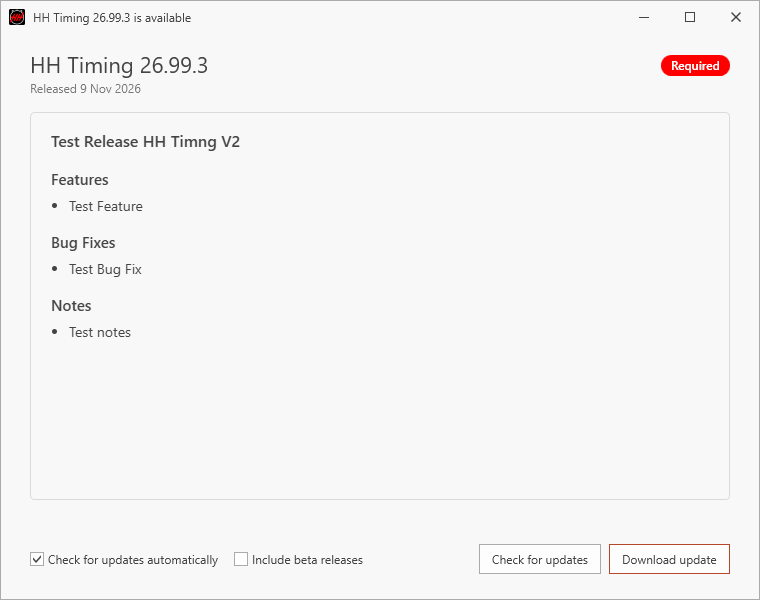
You can also access it directly via the backstage option of the software:

After the download completion, the software can be restarted for the upload to be installed.