SRO America
Live Feed
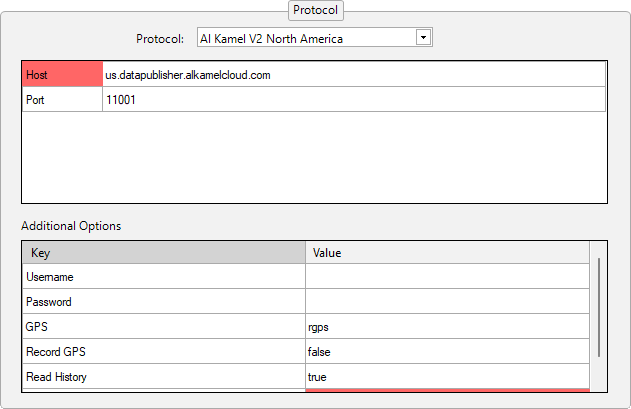
The live timing data is provided by Alkamel.
You can purchase a protocol access from the Alkamel North America store.
A stable internet connection is required to receive all data throughout the event. Connection interruptions may result in data loss.
A championship configuration for Al Kamel V2 North America protocol can be downloaded from this link. Username and Password need to be filled in once the config is imported in HH Timing.
Track Maps
Track maps for this series can be found under the SRO America folder:
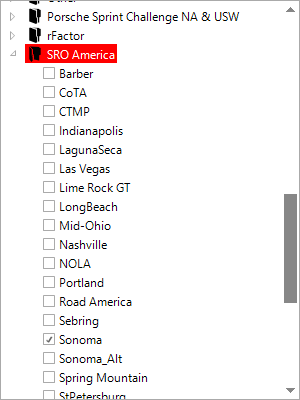
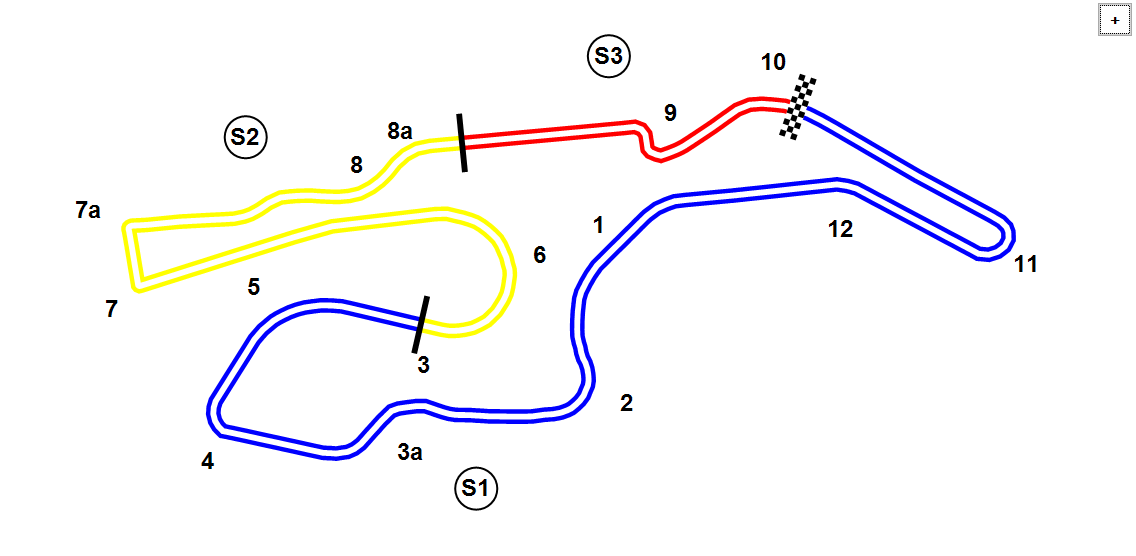
Every circuit has an ALT (alternate) track map variant. The ALT map uses different sector definitions that result in fewer laps being counted during practice and qualifying sessions. For all practice and qualifying sessions, please switch to the ALT track map.
Example for Sonoma:
Sonoma (for the Race)
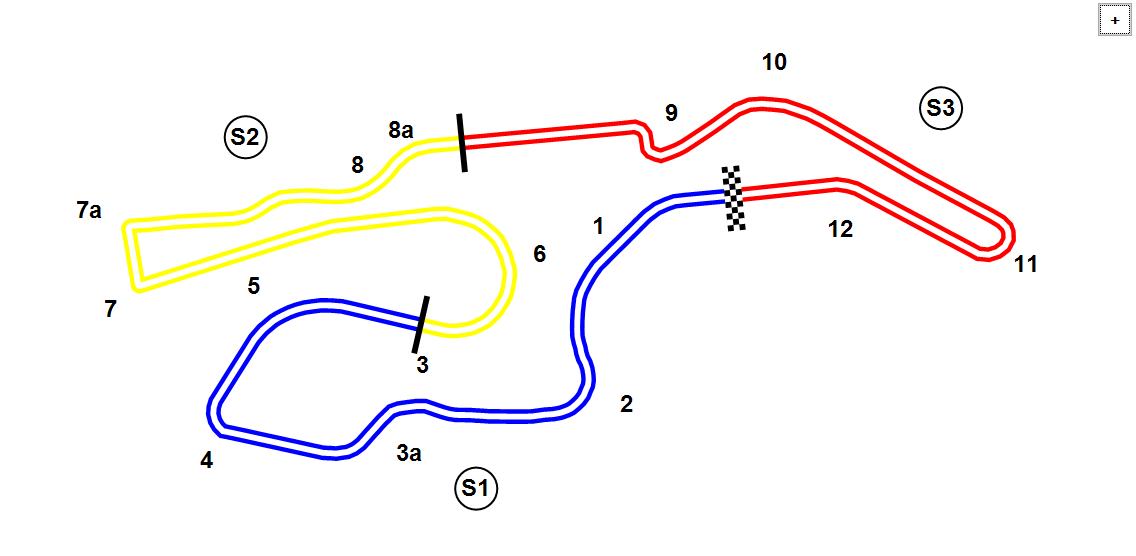
Sonoma_Alt (for practices and qualifying)
GPS (Track Map)
Alkamel provides GPS positioning in their feed. You can switch the track map to GPS to have a more precise track map.
Even when using GPS mode, the correct track map (standard or ALT) must still be selected. The GPS overlay does not affect which track map is active — if the wrong map is selected, the ghost cars will not be positioned correctly on track.
GPS (Speed and driving line)
GPS can also be used to display the speed and the driving line.
Driving Time (Am drivers)
SRO America enforces a minimum driving time for Am-class drivers. To configure this in HH Timing, set the Minimum Driving Time on each Am car via the Car Options.
To apply the same value to all Am cars at once, use the Apply to All button after setting the value on one car — this will copy the minimum driving time to every car in the list.
To apply the driving time only to drivers sharing the same categorisation, enable the Apply Driving Time To Drivers With Same Categorisation option in the Car Options (e.g. Apply Driving Time To all Bronze Drivers). When active, the minimum driving time is enforced across all drivers that hold the same category, rather than having to set up for each one.
For managing stint times and driving time rules, it is recommended to use the Drive Time Plugin. It is specifically designed for events with fixed stint lengths and driver time restrictions.
Backstage Options
In the Backstage Options, set the following for SRO America:
- Predicted Strategy Type:
Fixed Stint Lengths - Fixed Stint Length [minutes]:
50
Post-Session CSV Data Import
CSV files can be downloaded from http://usac.alkamelna.com/ (Analysis CSV)
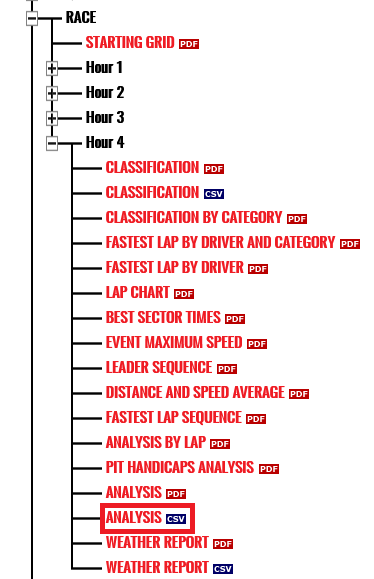
In HH Timing, Al kamel North America should be chosen as the file format in "Import T&S Data" to import this file.