Display Template
A display template stores the settings of a display, such as its columns, options and filter, so the same display can be opened again with one click. Templates are saved in the project.
Template Management in the Templates group of a display's ribbon page lists the templates of that display type. The templates under Default come with HH Timing, for example Pit Stop Scoreboard for the Main Scoreboard.
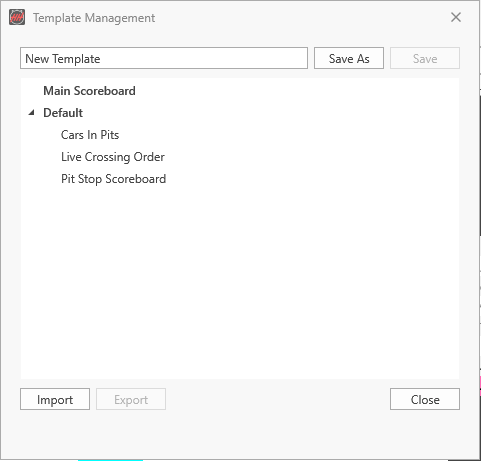
- Enter a name and click Save As to save the current settings as a new template; Save updates the selected template.
- Import and Export copy templates between projects.
The templates of a display type are also listed under its button on the Displays ribbon page, for example the drop-down of Main.