Filter
Most displays can be limited to a selection of cars with the Filtering group of their ribbon page.
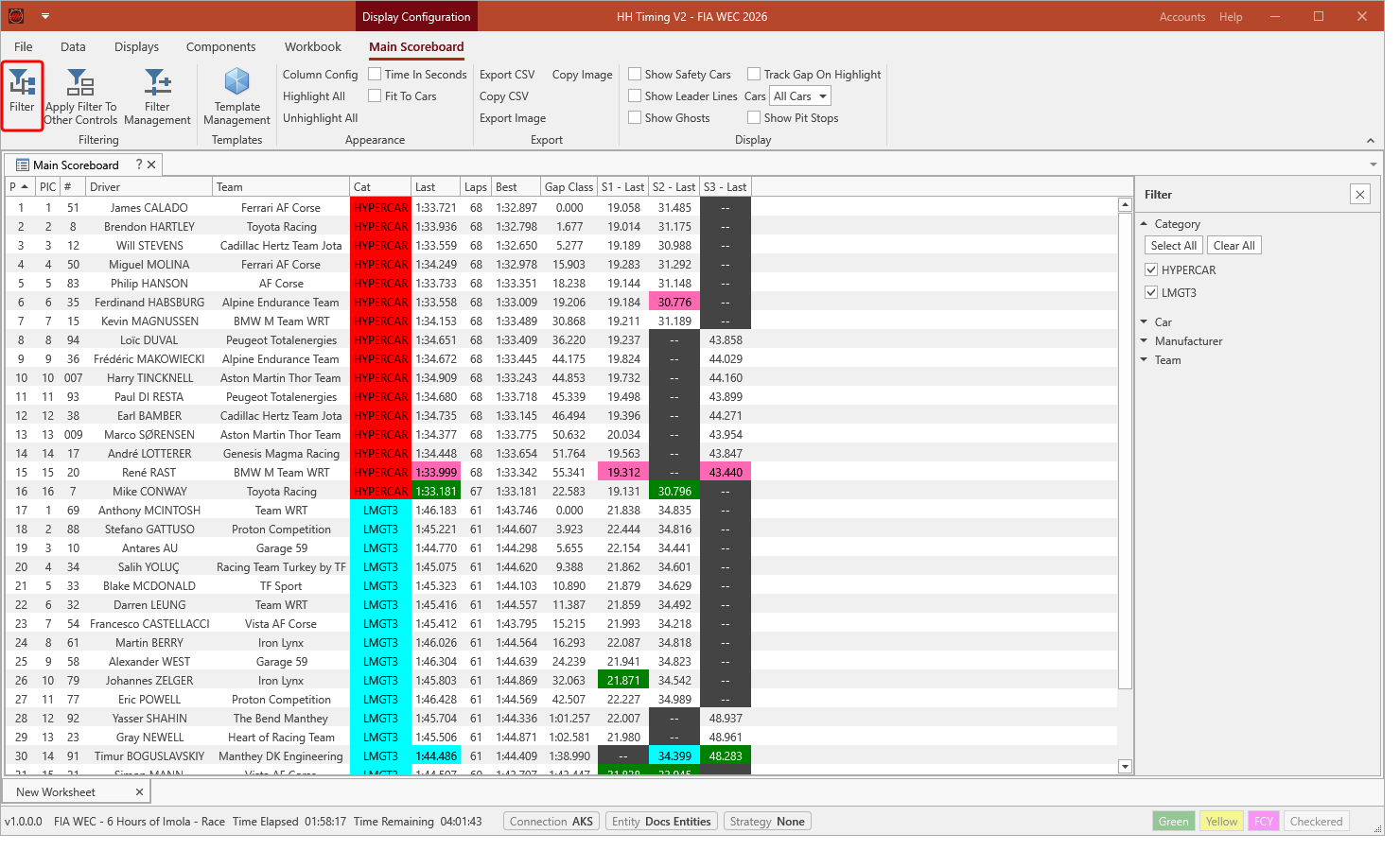
Filter
Opens the filter panel next to the display. The cars can be chosen by Category, Car, Manufacturer and Team: expand a group and tick the entries to show. Select All and Clear All tick or untick every entry of a group.
Apply Filter To Other Controls
Applies the filter of this display to every other display of the worksheet.
Filter Management
Saves the current filter in the project under a name, so it can be applied to other displays later, and lists the filters already saved.