Creventic 24H Series
Live Feed
The Creventic 24H Series is timed by Time Service. Refer to the Time Service page for the championship configuration, the live connection protocol and the post-session static data import.
Initial Driving Time
Creventic races are split into Race Part 1 and Race Part 2, and each driver's total time at the wheel is capped across the two parts combined. At the end of Race Part 1 the driving time accumulated by each driver can be saved and reused as the initial driving time for Race Part 2, so that the Max Driving Time and Min Driving Time rules keep working correctly for the second part.
The initial driving time is set per driver in the Car Quick Options dialog, in the driver grid of each car.
Initial Dr [s] column
The Initial Dr [s] column lets you enter the number of seconds that each driver has already spent in the car before the current session. The value is stored on the driver and added to the live driving time as the session progresses.

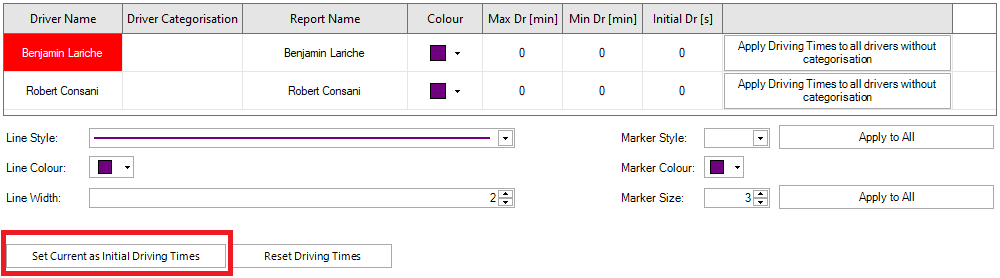
Set Current as Initial Driving Times
The Set Current as Initial Driving Times button reads the current driving time of every driver across every car and writes it into the Initial Dr [s] column.
Reset Driving Times
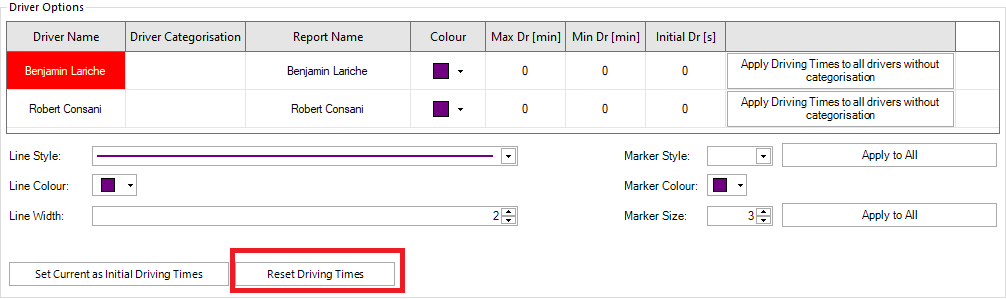
The Reset Driving Times button clears the Initial Dr [s] value for every driver of every car back to 0. Use it at the start of a new event when no carry-over is needed.
The initial driving time is saved in the project file, so the carry-over survives a restart of HH Timing as long as the same project is reopened.